
Appearance
Metaplay Docs MCP
Connect Metaplay documentation, SDK source, and sample projects to your coding agents.
Connect Metaplay documentation, SDK source, and sample projects to your coding agents.
Metaplay Docs MCP makes our documentation, SDK source, and samples directly available to your own AI coding assistants.
This is a context retrieval integration. It gives your assistant better context for coding and architecture decisions, but it does not operate your live portal environments.
Add a new MCP server with the following URL into your favorite AI assistant:
https://llm-docs.platform.metaplay.dev/mcpClaude supports MCP connectors in its web, mobile, and desktop products.
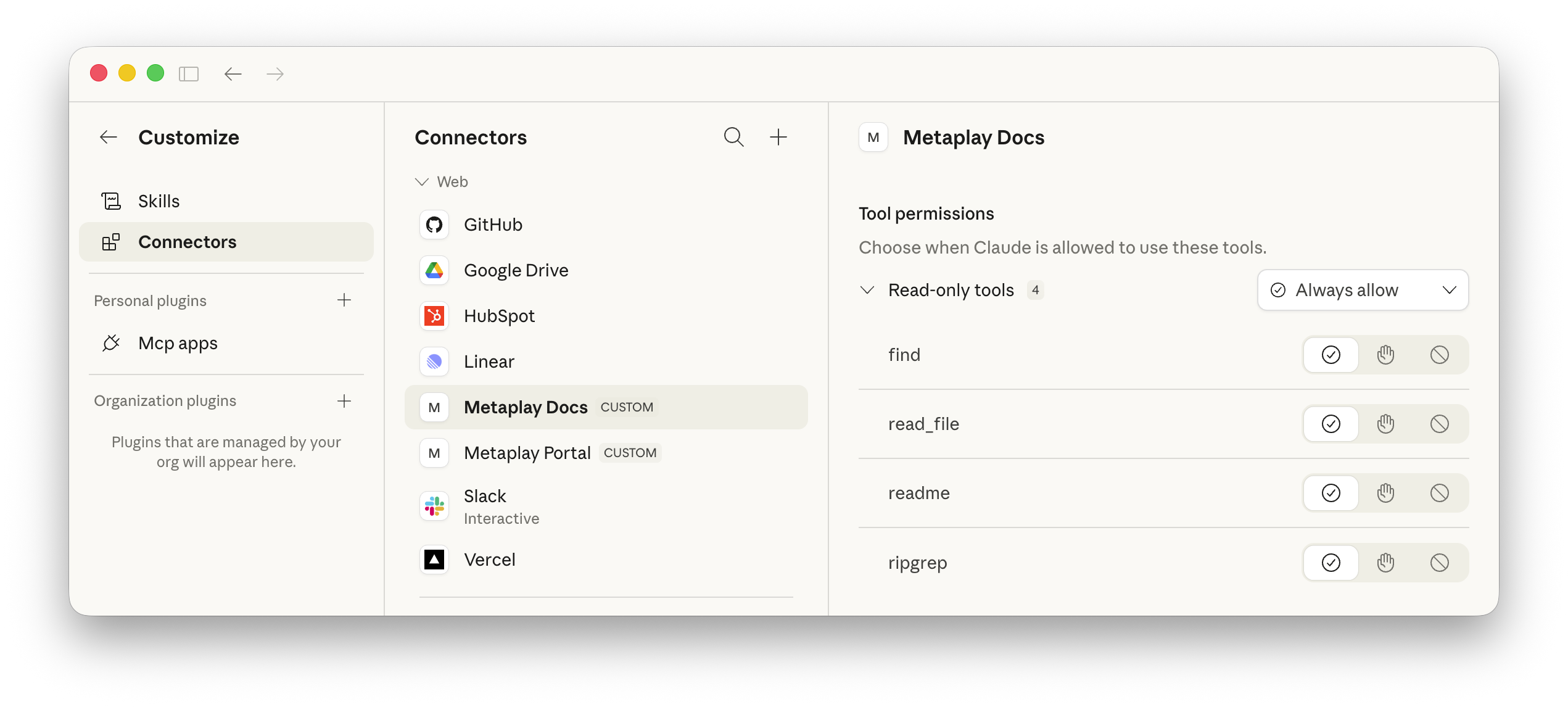
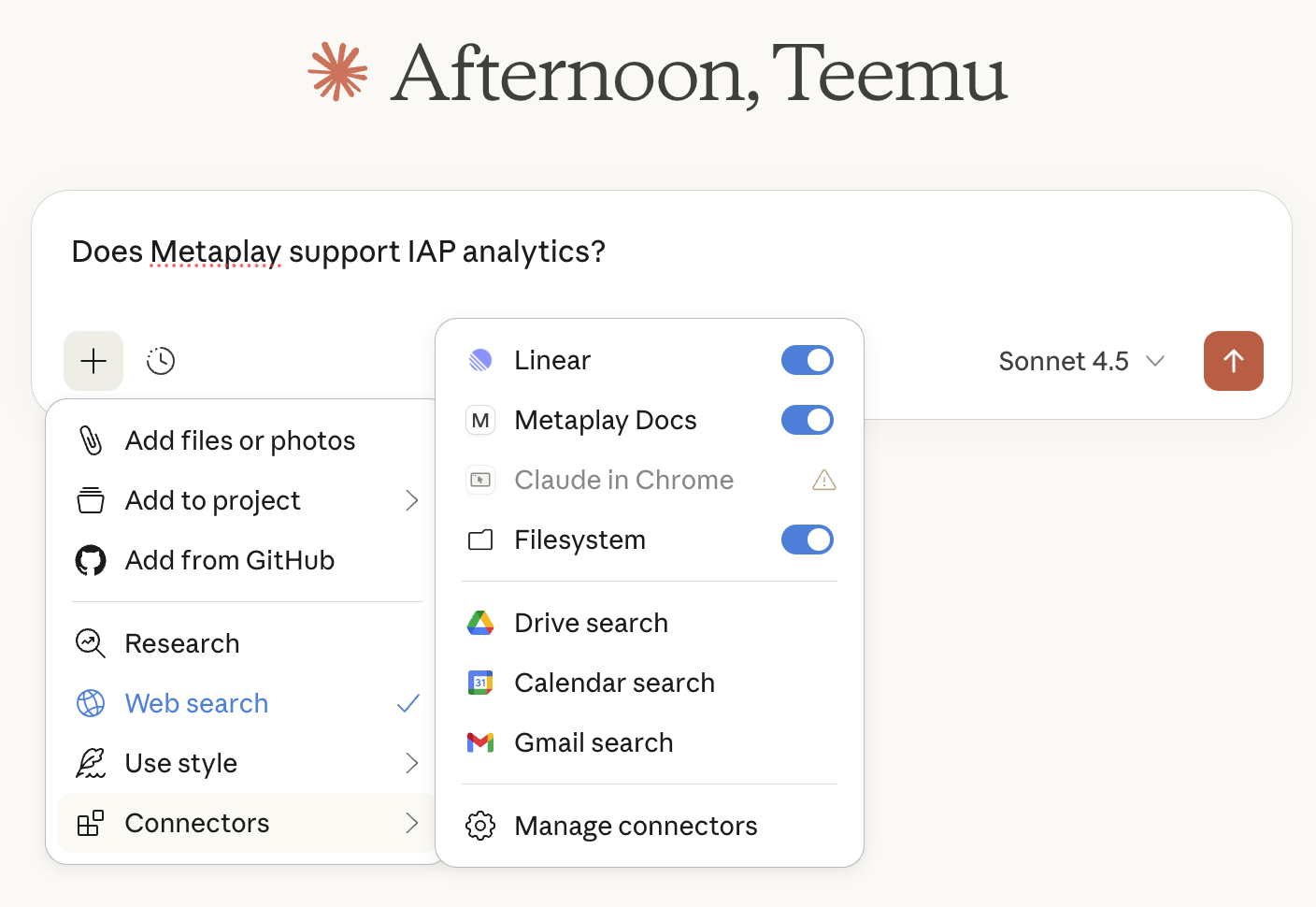
Under Customize -> Connectors, add a connector with URL https://llm-docs.platform.metaplay.dev/mcp. You can name it Metaplay Docs.
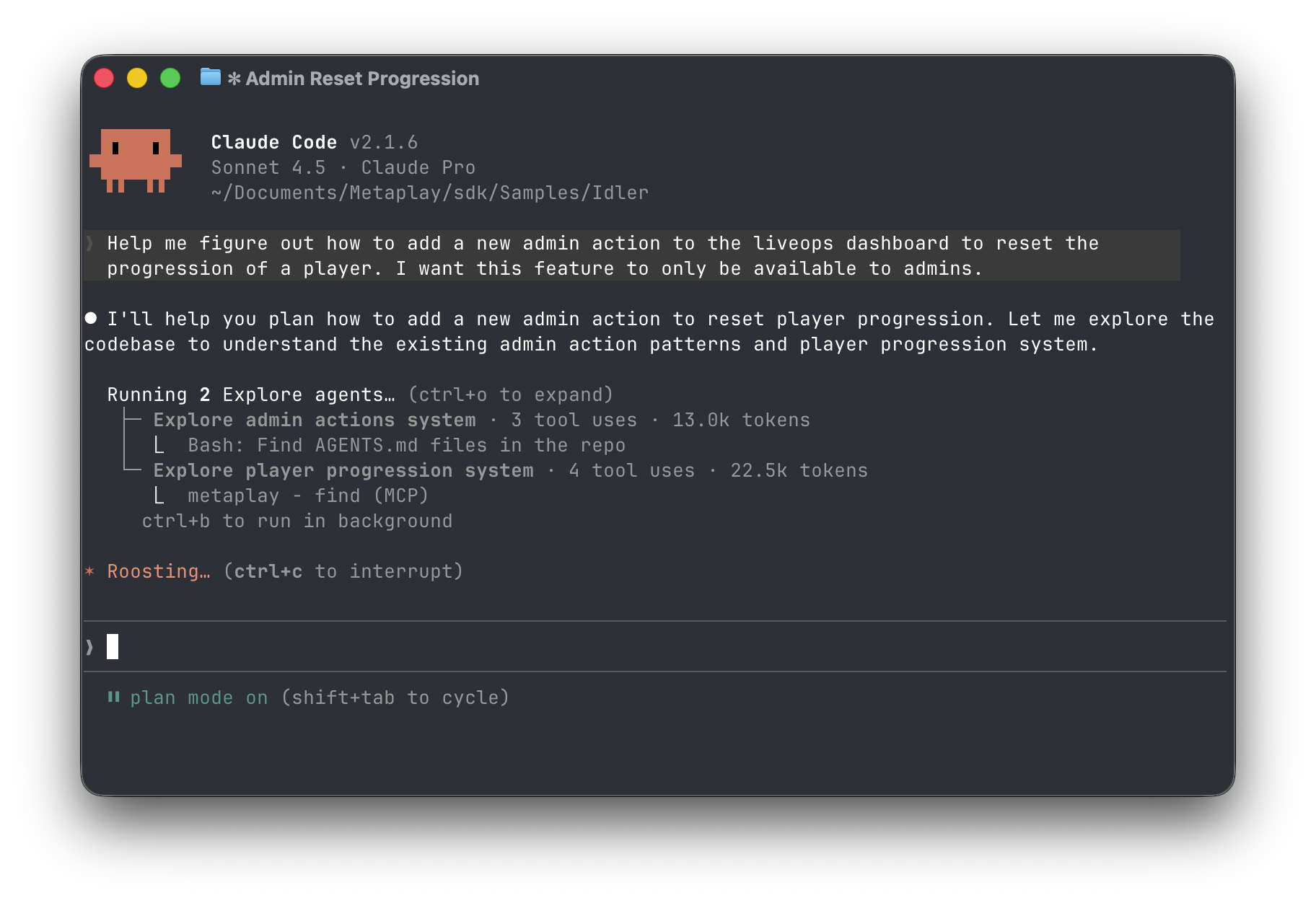
Claude Code is an agentic coding assistant by Anthropic.
Add the MCP server:
claude mcp add --transport http --scope project metaplay-docs https://llm-docs.platform.metaplay.dev/mcpYou can also commit a project-level MCP config:
{
  "mcpServers": {
    "metaplay-docs": {
      "type": "http",
      "url": "https://llm-docs.platform.metaplay.dev/mcp"
    }
  }
}
Codex is OpenAI's coding agent available in terminal, desktop and mobile.
Add the MCP server in terminal:
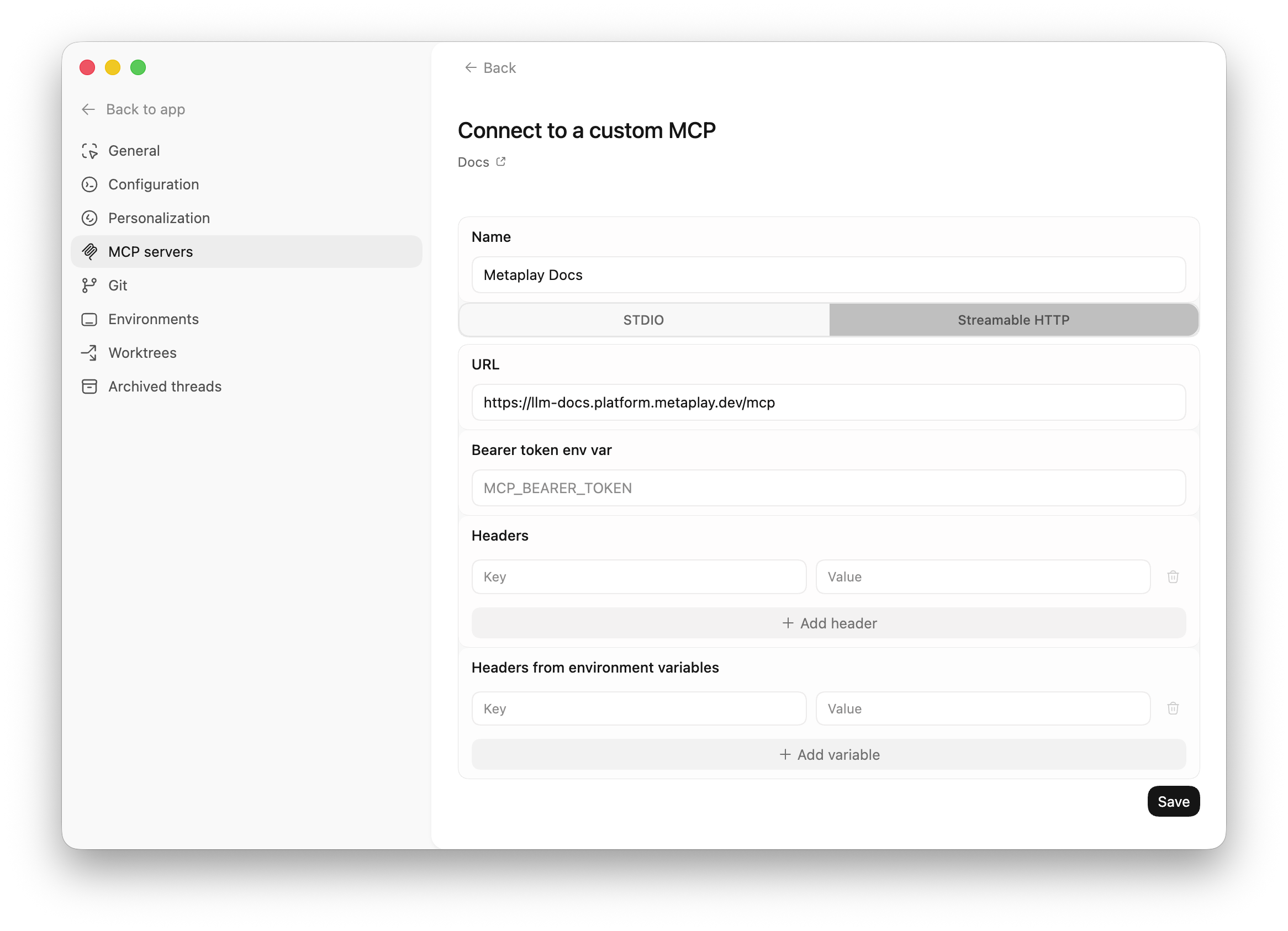
codex mcp add metaplay-docs --url https://llm-docs.platform.metaplay.dev/mcpOr use the Codex app to add the MCP server in Settings → MCP servers.
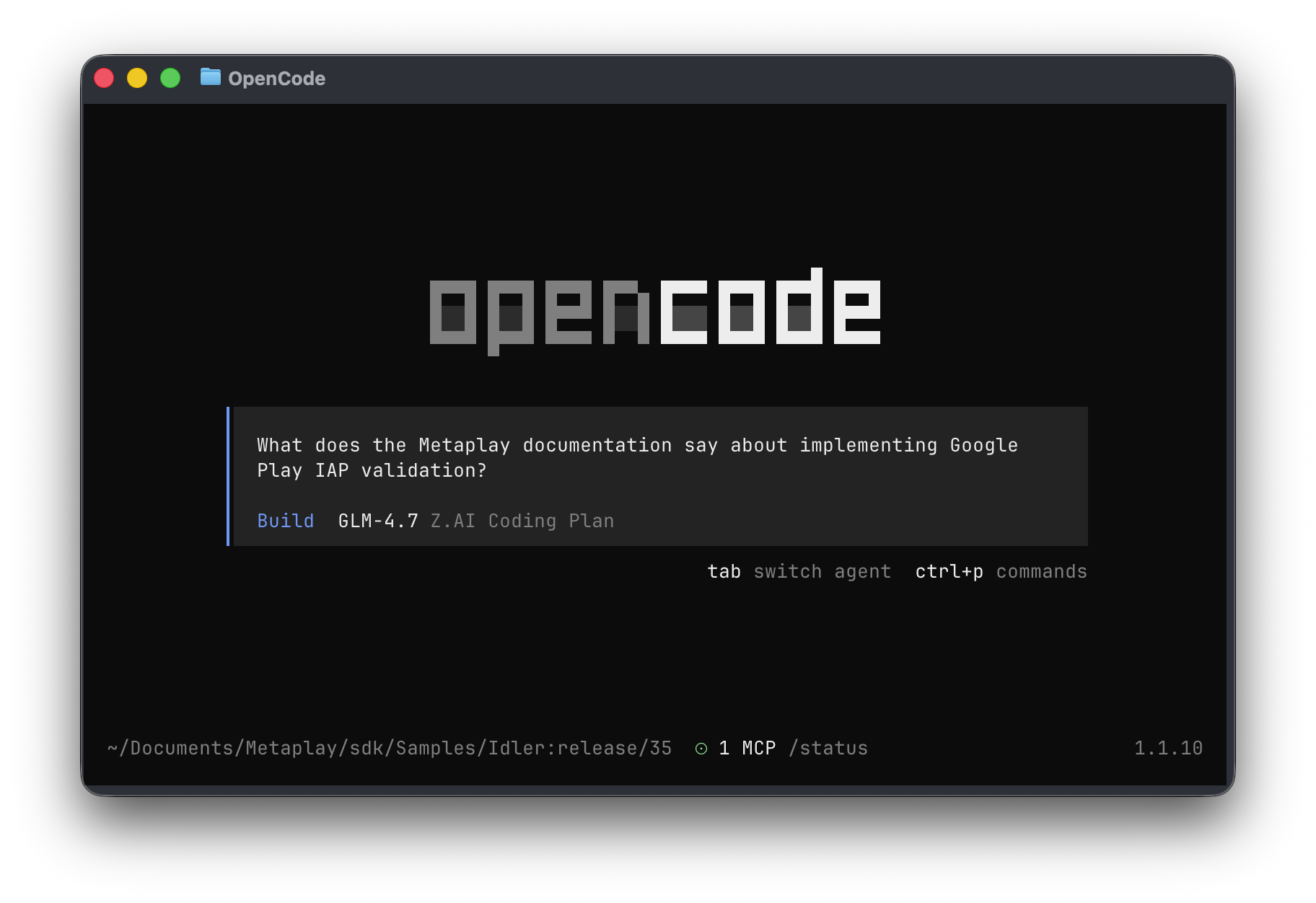
OpenCode is an open source coding agent available in terminal, desktop, and IDE environments.
Add the MCP server to your project config:
{
  "$schema": "https://opencode.ai/config.json",
  "mcp": {
    "metaplay-docs": {
      "type": "remote",
      "url": "https://llm-docs.platform.metaplay.dev/mcp",
      "enabled": true
    }
  }
}
Your assistant can now use Metaplay docs, SDK source, and samples while planning and implementing code.