
Appearance
Metaplay Portal MCP
Connect AI assistants to Metaplay portal with secure, role-scoped access.
Connect AI assistants to Metaplay portal with secure, role-scoped access.
The Metaplay developer portal manages your live game operations: organizations, projects, environments, members, machine users, logs, and metrics.
Metaplay portal MCP exposes that surface to AI assistants through MCP tools.
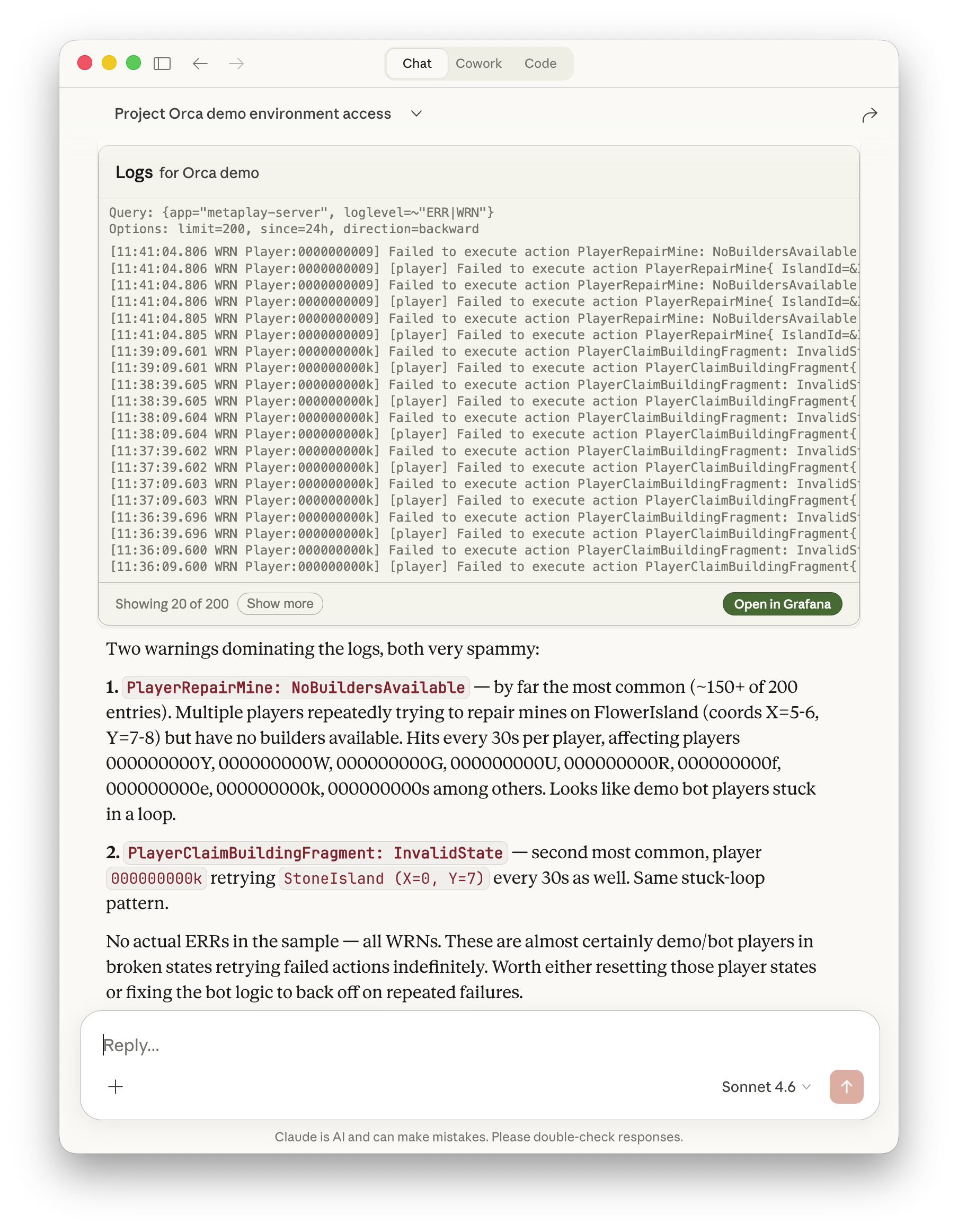
In practical terms, you can ask an assistant to inspect production errors, query metrics, or update scoped roles, and it can carry out those actions within your existing permissions.
Add a new MCP server with the following URL into your favorite AI assistant:
https://portal.metaplay.dev/api/mcpDepending on your MCP client, you may need to click "connect" or "authenticate" once to grant access to your portal account.
Claude Code is an agentic coding assistant by Anthropic.
Add the MCP server:
claude mcp add --transport http --scope project metaplay-portal https://portal.metaplay.dev/api/mcpYou can also commit a project-level MCP config:
{
  "mcpServers": {
    "metaplay-portal": {
      "type": "http",
      "url": "https://portal.metaplay.dev/api/mcp"
    }
  }
}
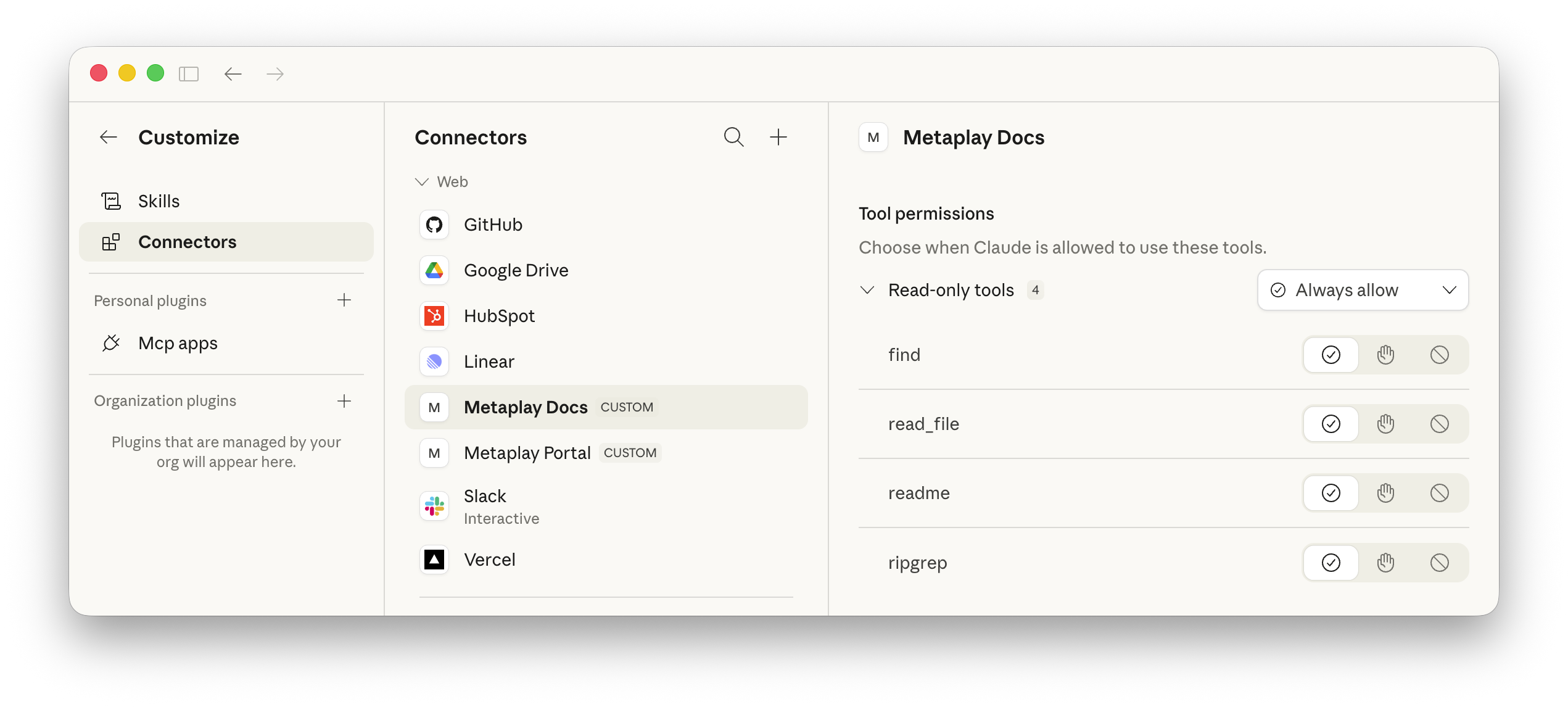
You can also add the server in the Claude app under Settings → Connectors to make it available to Claude Cowork and chat.
Codex is OpenAI's coding agent available in terminal, desktop and mobile.
Add the MCP server in terminal:
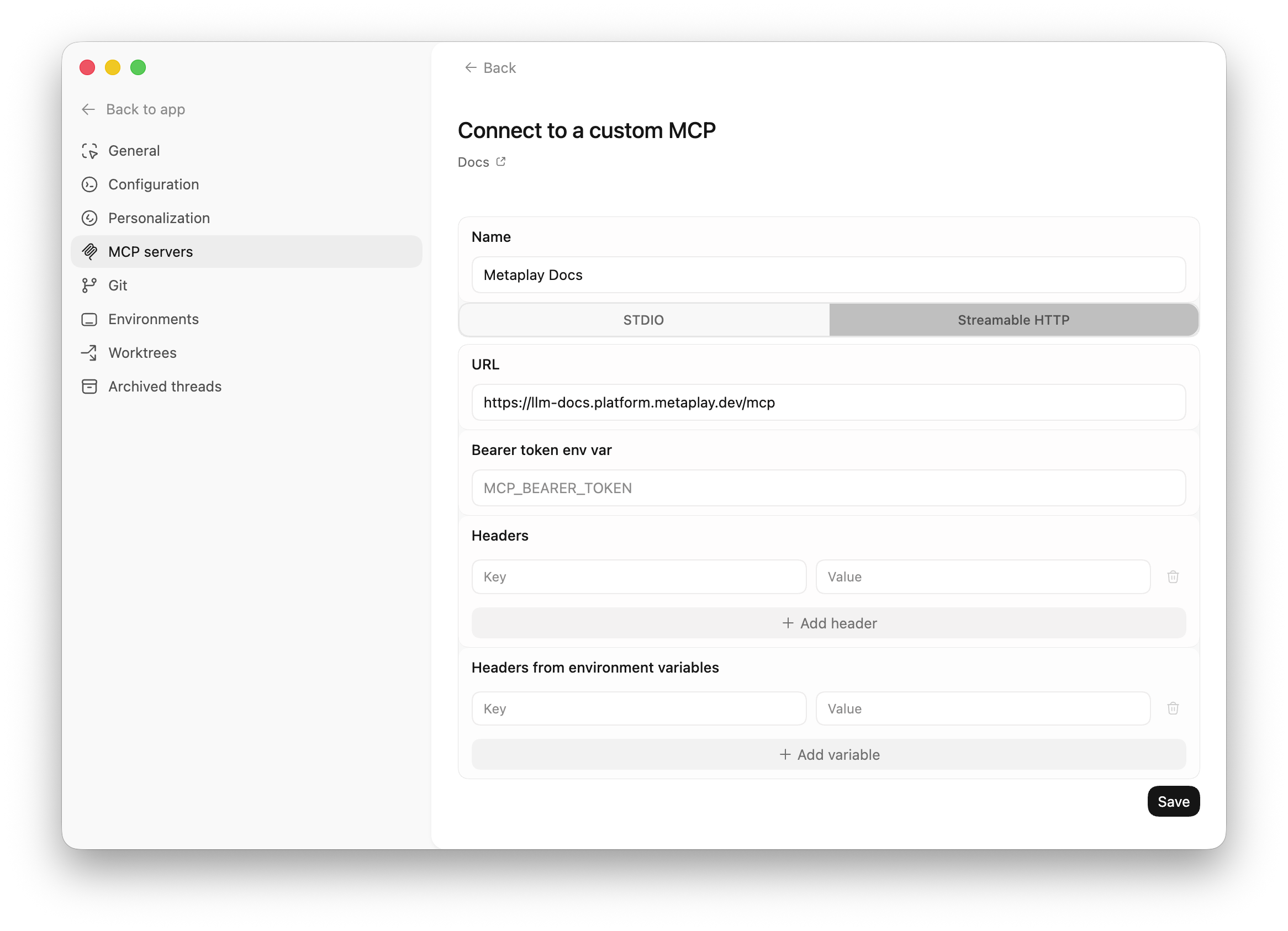
codex mcp add metaplay-portal --url https://portal.metaplay.dev/api/mcpOr use the Codex app to add the MCP server in Settings → MCP servers.
OpenCode is an open source coding agent available in terminal, desktop, and IDE environments.
Add the MCP server to your project config:
{
  "$schema": "https://opencode.ai/config.json",
  "mcp": {
    "metaplay-portal": {
      "type": "remote",
      "url": "https://portal.metaplay.dev/api/mcp",
      "enabled": true
    }
  }
}
Your assistant can now access the portal on your behalf!